High Resolution & Accurate
Aerial Imagery for HD Maps
Imagery and elevation data to support HD map creation, road network extraction, and feature identification for autonomous vehicles, navigation systems, and mobility applications.

Imagery and elevation data to support HD map creation, road network extraction, and feature identification for autonomous vehicles, navigation systems, and mobility applications.
“By extracting upwards of 390 different map attributes (POIs, landmarks, traffic furniture, etc.) from Vexcel’s aerial data mosaics, HERE continues to make advancements in mapmaking and automation to keep the industry’s leading HERE platform fresh.”
Vexcel’s market-leading cameras collect millions of images every year and each pixel unveils insightful data for AI and ML to identify and index all types of objects for HD Maps. Use Vexcel’s 2D and 3D imagery to classify countless features for precise HD mapping, from parking spots and painted lines to street furniture and pedestrian crossings.

Identify objects with high-res imagery
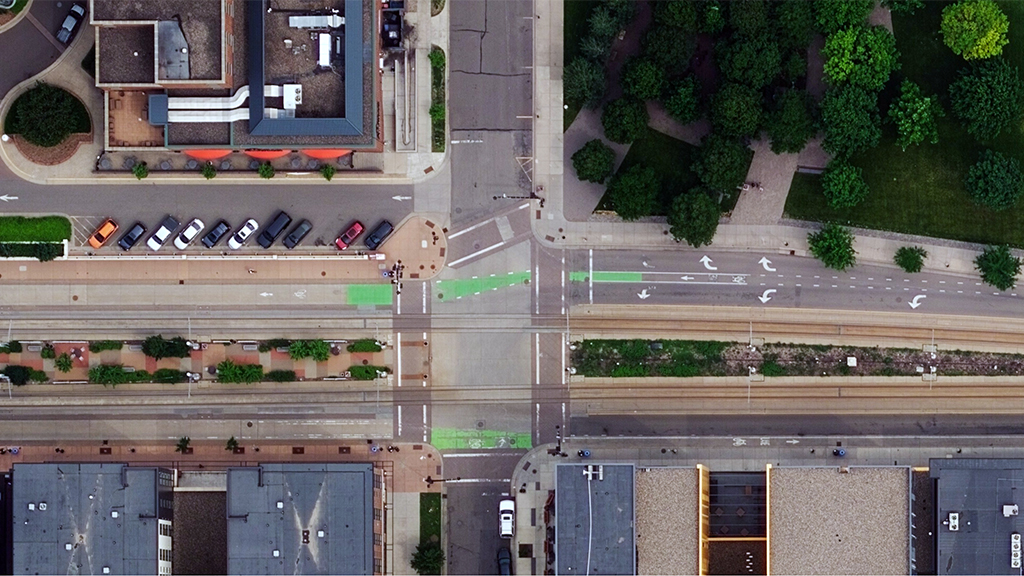
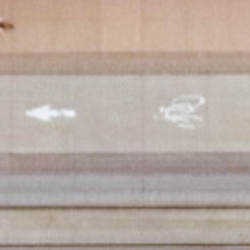
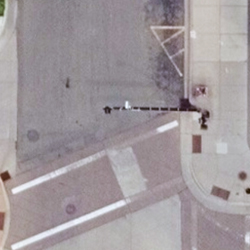
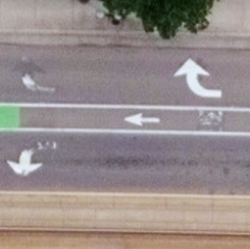
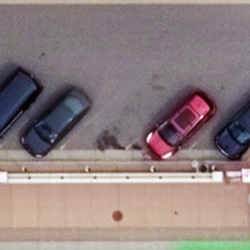

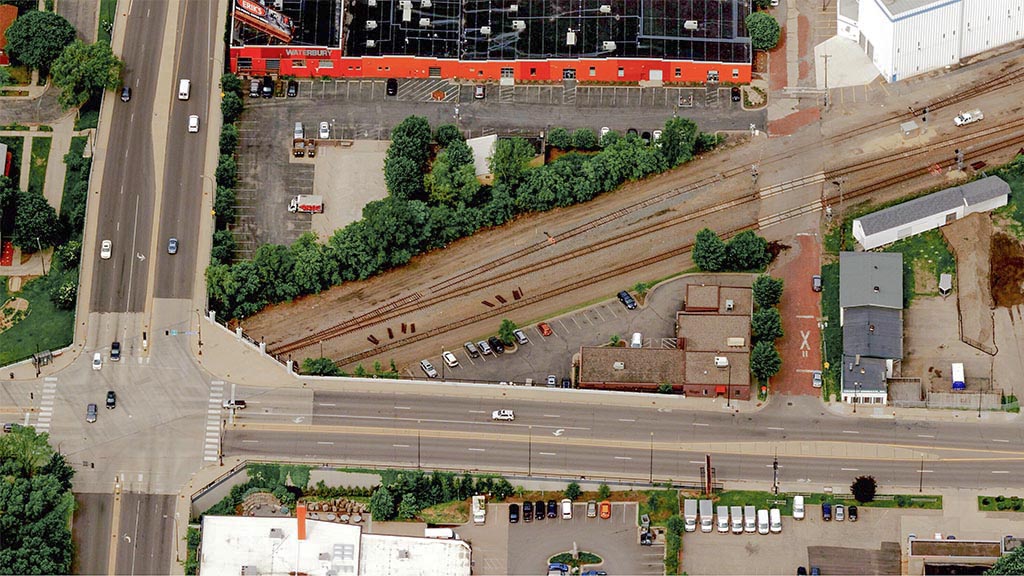
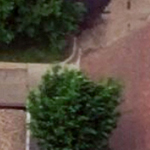
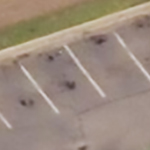
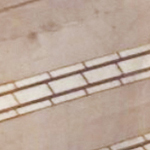
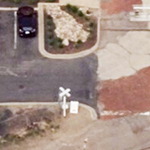
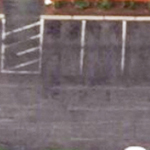
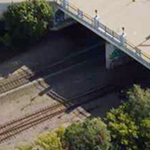
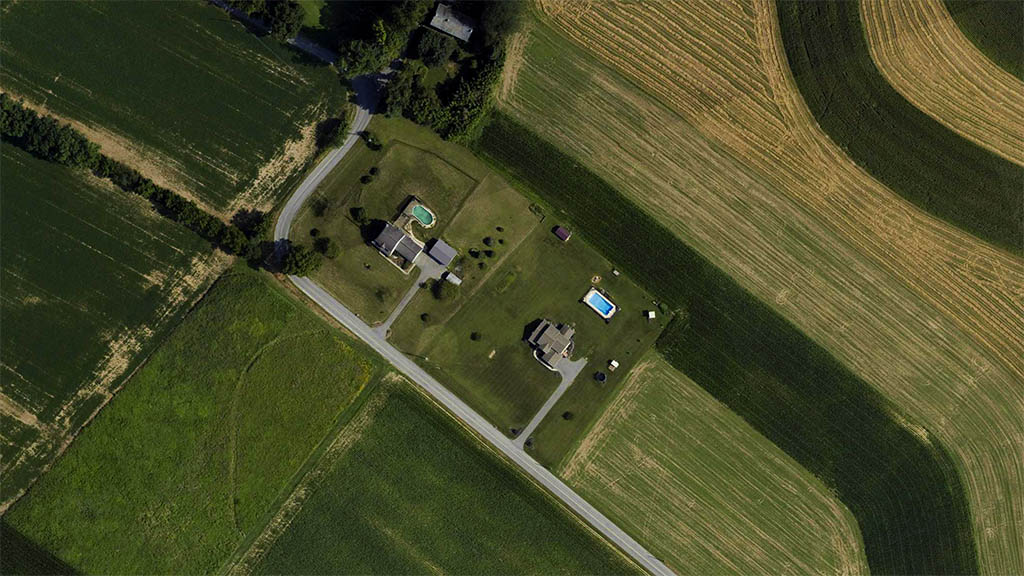
Use high-resolution imagery to bridge the information gap between well-known areas on a map (such as streets) and blank spots (parking lots). Quickly identify key attributes not collected by street view or car-based capture programs by using reliable, consistent aerial data.
Identify objects with high-res imagery
See beyond a city block or suburban neighborhood by accessing cloud-based aerial imagery at scale. With both urban and rural capture programs, mapping companies can leverage imagery and geospatial data from coast to coast. Vexcel’s location data products are matched against ground survey points, resulting in the highest caliber of accuracy in imagery. It’s data you can trust.
Q: How is aerial imagery used to create HD maps?
Vexcel aerial imagery is used to extract map features and create vector overlays for HD maps and autonomous vehicle workflows. Mapping teams use Vexcel imagery to identify roads, lane geometry, intersections, transportation infrastructure, and changing ground conditions at scale. Vexcel imagery is also used as a basemap in many mapping, simulation, and navigation applications.
Q: What map features can be extracted from Vexcel imagery using AI?
AI models use Vexcel imagery and geospatial data to extract roads, lane markings, intersections, medians, curbs, crosswalks, traffic arrows, poles, signage, and other roadway features. Beyond roadways, Vexcel’s consistent, high-resolution imagery is optimized for AI analysis across large geographic areas so teams can identify entry points, drop-off areas, and even details useful for rural areas and remote backcountry navigation.
Q: How does Vexcel imagery support autonomous vehicle mapping?
Top autonomous driving companies around the world trust Vexcel data. Vexcel imagery helps autonomous vehicle and mobility teams build HD maps, simulation environments, and navigation systems with highly detailed aerial views of roads and surrounding infrastructure. Vexcel provides consistent imagery for city, regional, and nation-wide mapping efforts at a scale and resolution unmatched by other aerial imagery programs. Vexcel imagery also offers higher resolution than satellite imagery, wider scale than drone programs, and different viewing perspectives than street-side imagery.
Q: What resolution is needed for HD map creation?
HD mapping workflows require highly detailed imagery capable of identifying lane-level and roadway infrastructure features. Vexcel provides high-resolution aerial imagery at 7.5cm and 15cm resolutions depending on the collection program and geography. Vexcel also offers DSM data so roadway slope, elevation, and terrain can be better understood for routing, gas efficiency analysis, and other mobility workflows.
Q: Can Vexcel data help identify road features like lane markings and traffic signs?
Yes. Vexcel imagery, oblique imagery, and AI-derived geospatial data help mapping teams identify lane markings, traffic arrows, crosswalks, medians, traffic islands, poles, signage, and other roadway features for HD mapping and navigation workflows.


Large-format UltraCam cameras & sensors.
vexcel-imaging.com

Aerial surveys by fixed-wing aircraft.
kasurveys.com

Aerial imagery and data for government and business.
vexceldata.com